
GTA 6’s ATM Problem: Why Players Can’t Deposit Without Overshooting
Last checked: 21 November 2026, 18:54 UTC (1:54pm ET).
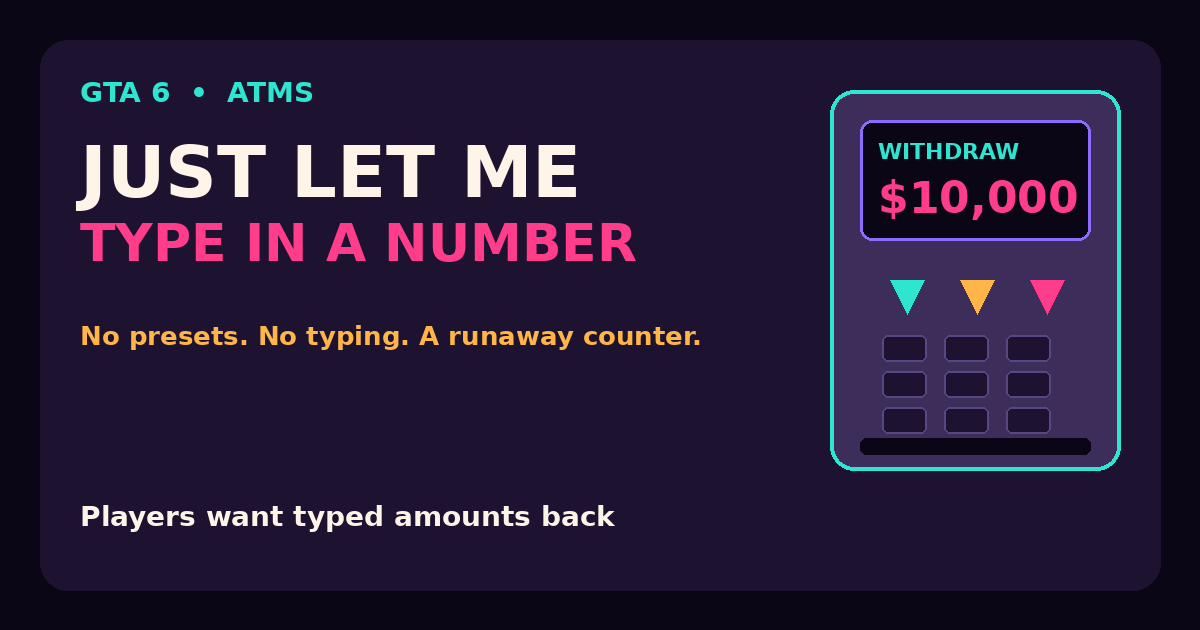
The GTA 6 ATM has become one of the most talked-about frustrations of launch week, and it has nothing to do with heists or wanted levels. There is no way to type in an amount or pick a preset: you hold the shoulder buttons to scroll the figure, and the scroll speeds up so quickly that you blow past the number you wanted, then have to scroll slowly back, sometimes missing it again. One player spent two minutes trying to withdraw exactly $900. For a game that gets so many small details right, the humble cash machine is a sore spot.
How the ATM works (and why it frustrates)
Banking is a core loop in GTA 6, not a side activity. Every dollar on your person is at risk: die or get arrested and you lose the cash you are carrying. So players are at ATMs constantly after every score. The problem is the control scheme. Kotaku reports that depositing or withdrawing means holding L1 or R1 to scroll the amount, with the counter accelerating fast. What should take seconds turns into a fiddly back-and-forth.
Players have been venting about it on Reddit since launch. The plea that keeps coming up is simple: “Let me type in a number.” One player found the increments jumping from small change to thousands when all they wanted was $500. Another noted that Rockstar kept the same system from Red Dead Redemption 2, and would rather have GTA V’s ATM mechanics.
It is not just ATMs
The same counter shows up in two other places. Jason’s floor stash uses left and right on the D-pad to pick an amount, and GameSpot found it just as sensitive: trying to bank $1,000, the writer watched the number drop to single digits. IGN reports the same thing, with the count ramping up by the thousands after a few moments on the D-pad. The BuckMe banking app has the same problem too, so there is no clean way around it. Players cope by holding the direction in brief bursts, then tapping one press at a time near the target.
GTA V did it better
Part of the frustration is that Rockstar has already solved this. GTA V and GTA Online let you pick pre-selected amounts, such as $100 or $1,000, which makes banking quick. GTA 6 even lets you use number pads when opening certain locked doors, so the game clearly knows how to let players enter a number. The contrast is what baffles players.
What players want
The fix players want is modest: a typed amount, preset buttons, or even the +100 and -100 step buttons one ResetEra user suggested. Some players have given up on the stash entirely and just carry their bankroll, which ended badly for one player who died straight after and lost everything. Fans are hoping a patch addresses it, but Rockstar has not commented and no fix has been announced. For now, the advice is short holds, then tap, and never hold the button down near your target.
Frequently asked questions
Why is the GTA 6 ATM so hard to use?
Because there is no way to type an amount or pick a preset. You scroll the figure with the shoulder buttons and the counter speeds up quickly, so you overshoot and have to scroll back slowly. The floor stash and the BuckMe app share the same counter.
How do I deposit an exact amount in GTA 6?
Hold the direction in brief bursts and stop to check the figure, then tap the buttons one press at a time as you get close. Tapping is slow but it is the only reliable way to land on an exact number.
Will Rockstar fix the GTA 6 ATM?
Rockstar has not commented and no patch has been announced. Players are asking for typed amounts or preset buttons, and a fix would need to cover all three places: ATMs, the floor stash and BuckMe.
Sources
- Kotaku — “GTA 6 Players Hate Using ATMs: ‘Just Let Me Type In A Number!'” (21 November 2026)
- GameSpot — “The Worst Part Of Early GTA 6 Is Trying To Make A Damn Deposit” (20 November 2026)
- IGN — “GTA 6 Players Agree That Jason’s Stash Needs A Major Tweak” (20 November 2026)






2 Comments